
Laptop Repair
Wellington
Fixing Devices. Supporting People.
Laptop repairs in Wellington
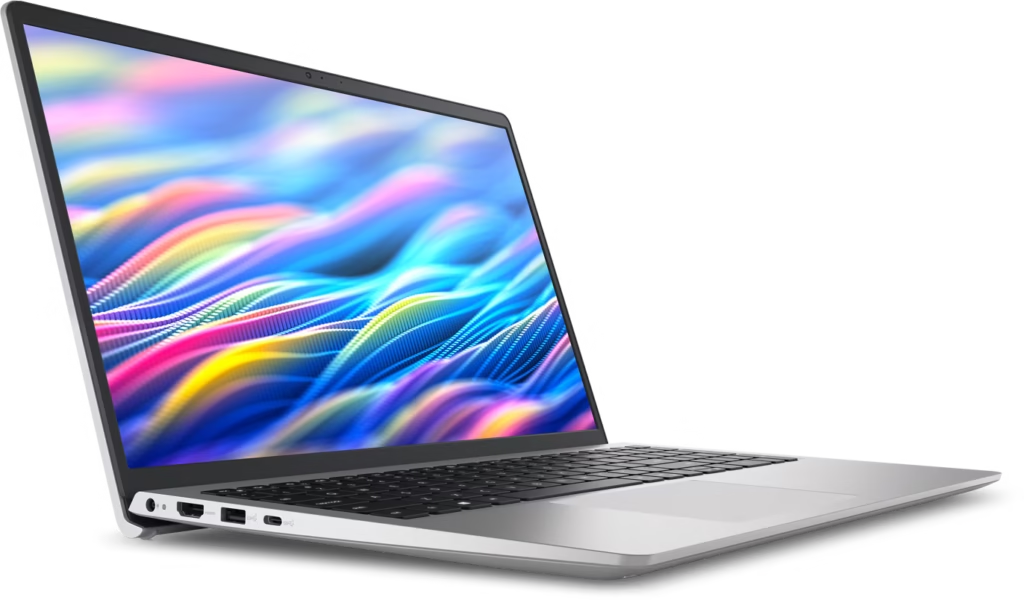
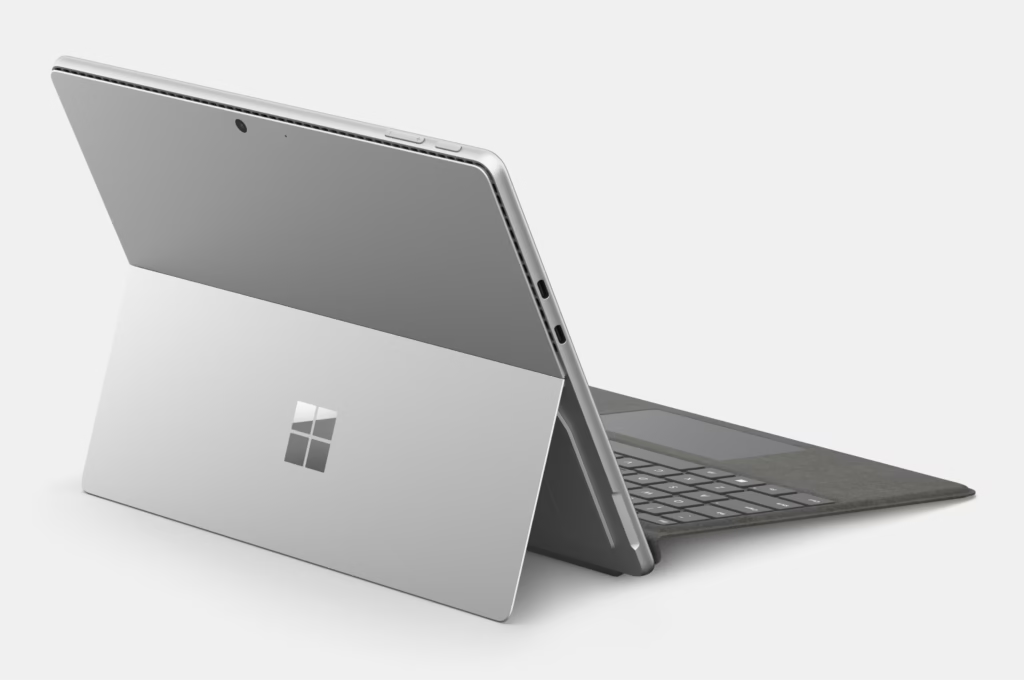
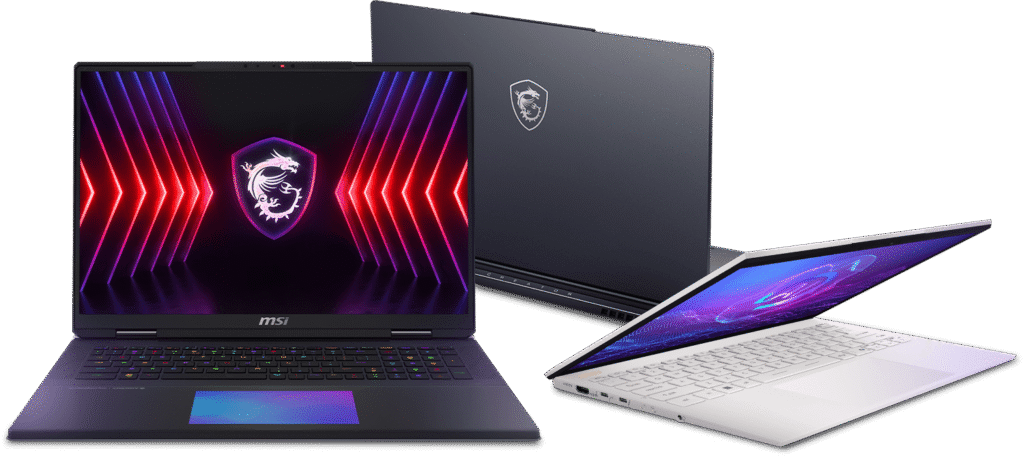
Laptop Repair Wellington at Digital Reboot covers faults across Windows laptops from Acer, Asus, HP, Dell, Lenovo, MSI and Microsoft Surface. If your laptop is running slowly, overheating, damaged from a drop or not charging properly, it can usually be repaired without needing a full replacement.
Laptops often pick up wear from years of daily use. Hinges loosen, screens crack, fans clog with dust, batteries start to swell and charging ports can work only when the cable is held in a certain position. The aim at Digital Reboot is straightforward. Identify the fault, explain the options clearly and recommend repairs that make sense for the age and value of the device.
Common laptop issues we see
Many laptops arrive with cracked or flickering screens caused by drops, pressure on the lid or hinge damage. Some display lines, ghosting or dark patches after years of opening and closing the device. Hinges may feel loose, stiff or misaligned, which can cause stress on the frame or lead to the screen separating from the chassis.
Charging faults are also common. Laptops that disconnect from power, only charge at a certain angle or fail to recognise the charger often have a worn port or internal power fault. Batteries can start to swell, drain rapidly or cause random shutdowns when the laptop is under load.
Performance problems can come from software faults, overheating, clogged fans or old hard drives. Slow boot times, freezing, loud fan noise and update failures are all checked before any repair is recommended. You will always know the likely repair cost before deciding whether to proceed.
Laptop brands we repair
Select the laptop brand you need help with. Each brand page explains common faults, typical repair paths and what to expect before booking in.
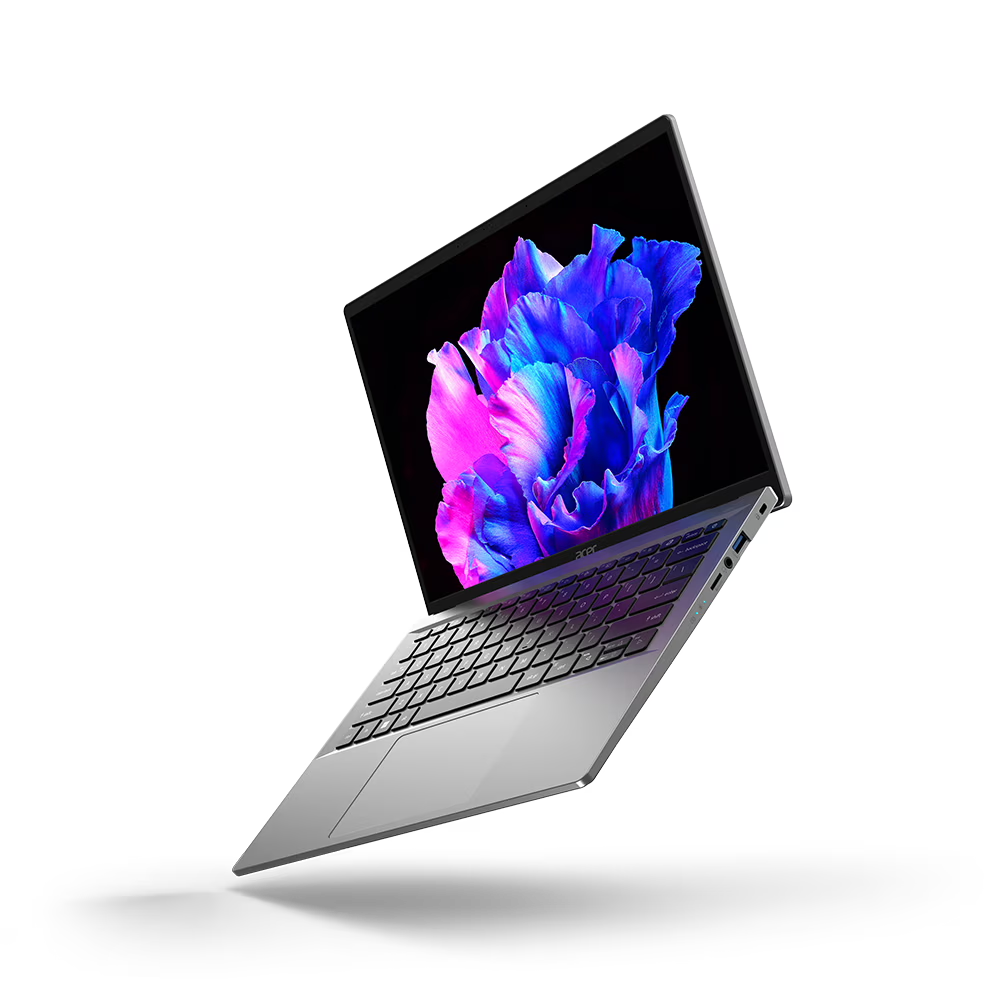
Acer laptops including Aspire, Swift and Nitro models.
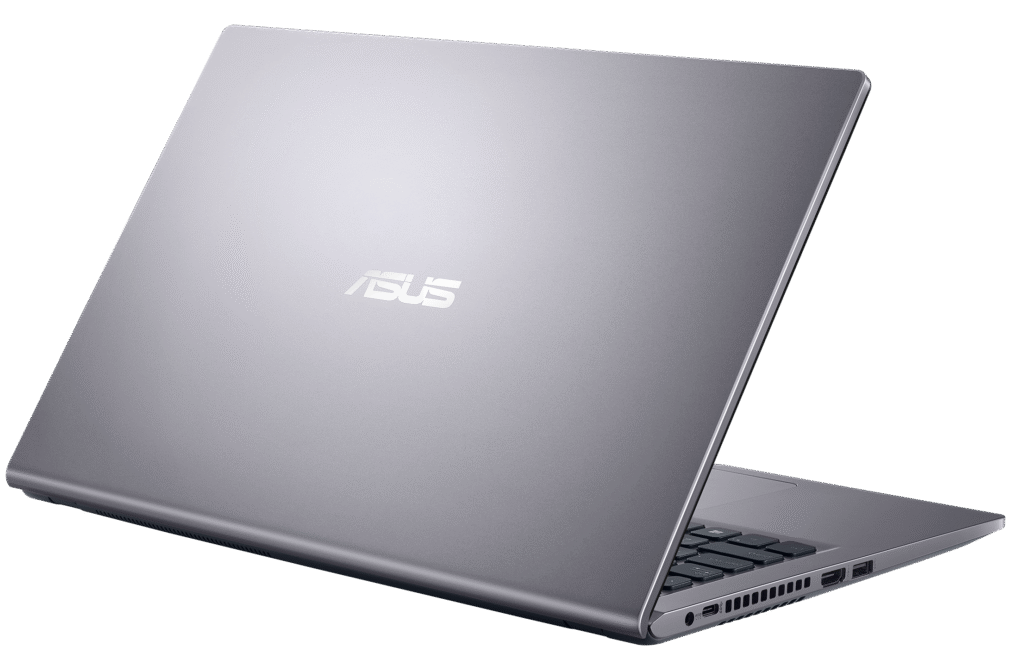
Asus laptops including VivoBook, ZenBook, ROG and TUF series.
Dell laptops including Inspiron, XPS and Latitude.
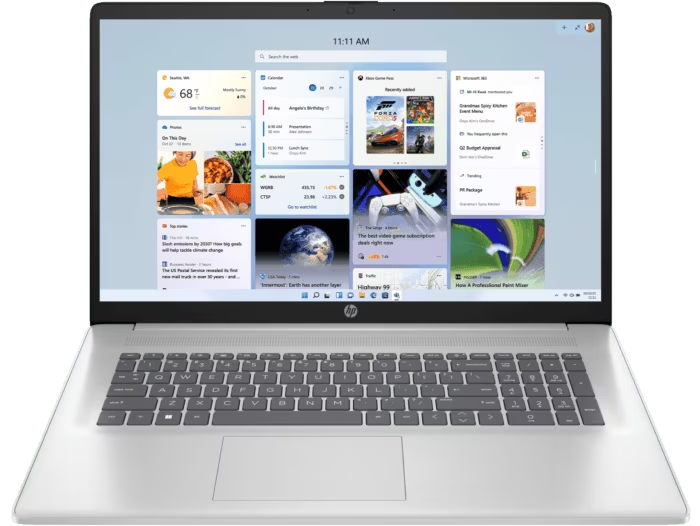
HP laptops including Pavilion, Envy, Spectre and ProBook.
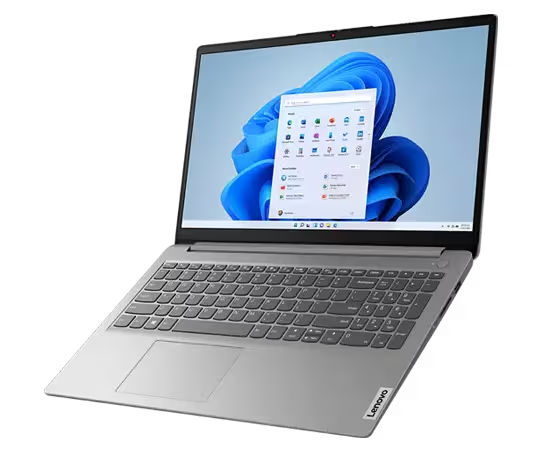
Lenovo laptops including IdeaPad, Yoga and ThinkPad models.
MSI laptops including Modern, Creator and gaming series models.
Microsoft Surface including Surface Pro, Surface Laptop and Surface Go.
Not sure which laptop you have?
If you are not sure which laptop model you own, you can still book a repair. The model number is usually printed on the bottom of the device or can be checked in the system settings. A quick inspection in person also confirms the exact model.
If the issue is more about software, backups, slow performance or general setup rather than a physical fault, the Tech Support service can help with clean ups, updates and account problems.
When you are ready, use the form on this page or the Contact page to arrange a time that suits. You will get a clear explanation of your options before any laptop repair goes ahead.
Hinge and chassis damage assessment
Loose hinges, cracked corners and stressed frames from drops or everyday opening and closing are checked to confirm whether the screen assembly or chassis needs repair.
Overheating and fan noise checks
Laptops often run hot due to dust build-up or failing thermal paste. Fans, vents and internal temperatures are checked to confirm whether a clean or cooling repair is needed.
Power and charging stability checks
Laptops that only charge at certain angles, randomly disconnect from power or drain quickly under load are tested to confirm whether the issue is the port, battery or internal power board.
Need Your Laptop Repaired?
If your laptop isn’t working properly, contact Digital Reboot today. Use the form below to get in touch or select your laptop’s brand, and we’ll arrange the repair.
Start your laptop repair today – fill out the form below, and we’ll arrange a convenient time for the repair.